
How it works
- Review webpage content.
- Create DOCX.
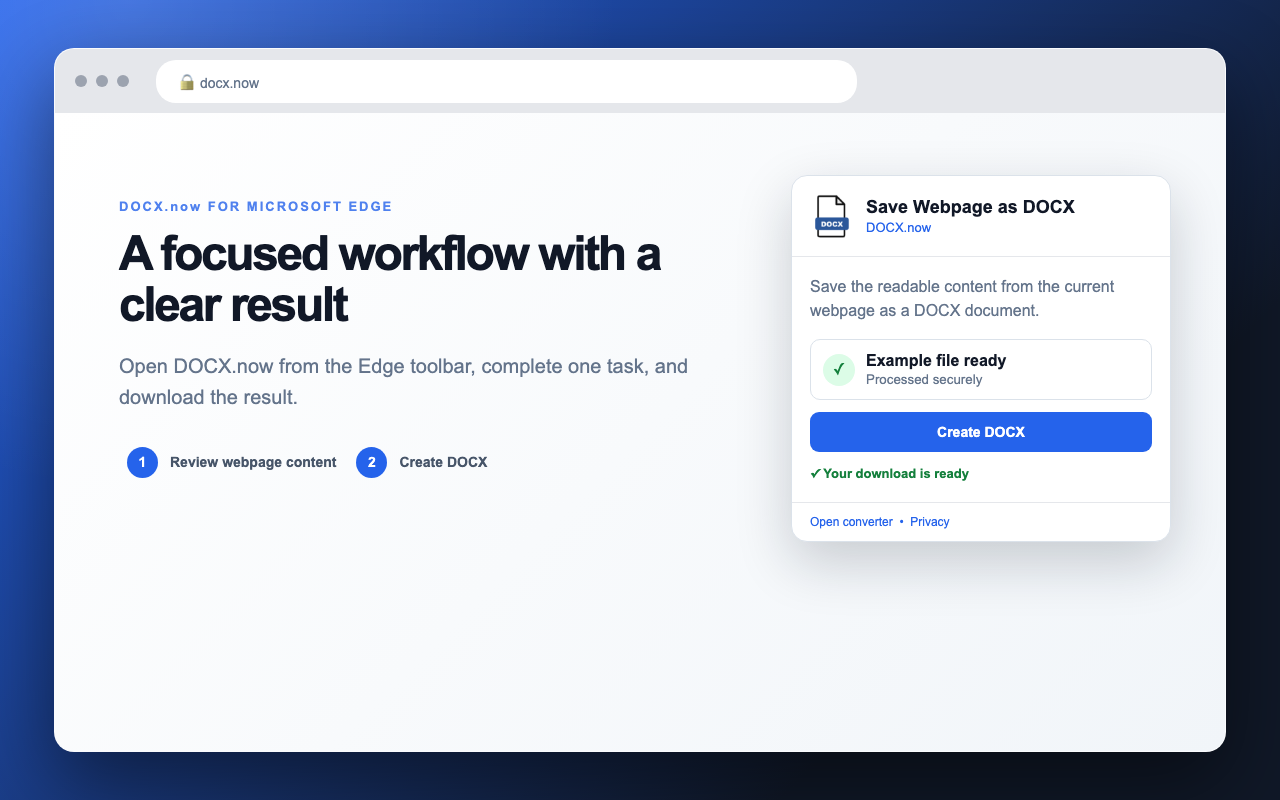
- Download the result.
Save the readable content from the current webpage as a DOCX document.
The Microsoft Edge Add-ons listing is being prepared. This ZIP is for manual developer-mode testing.
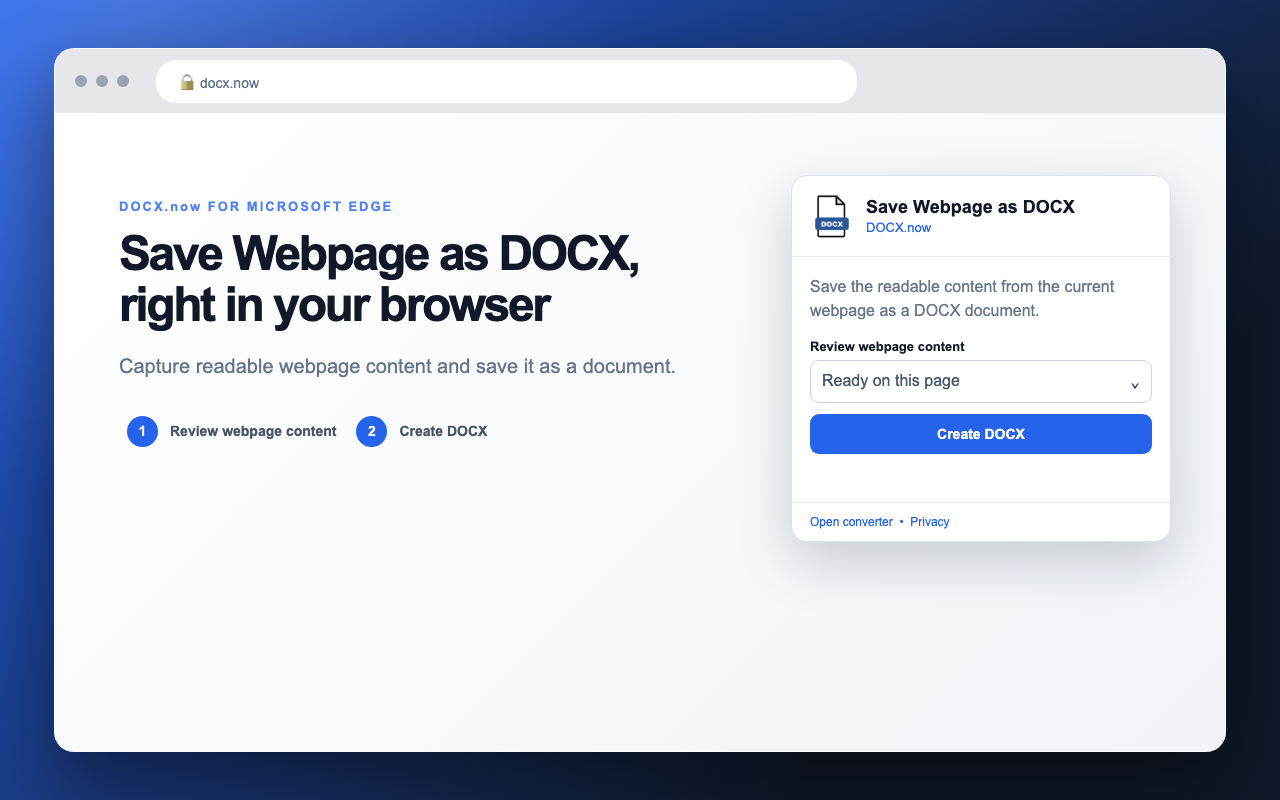
Capture readable webpage content and save it as a document.
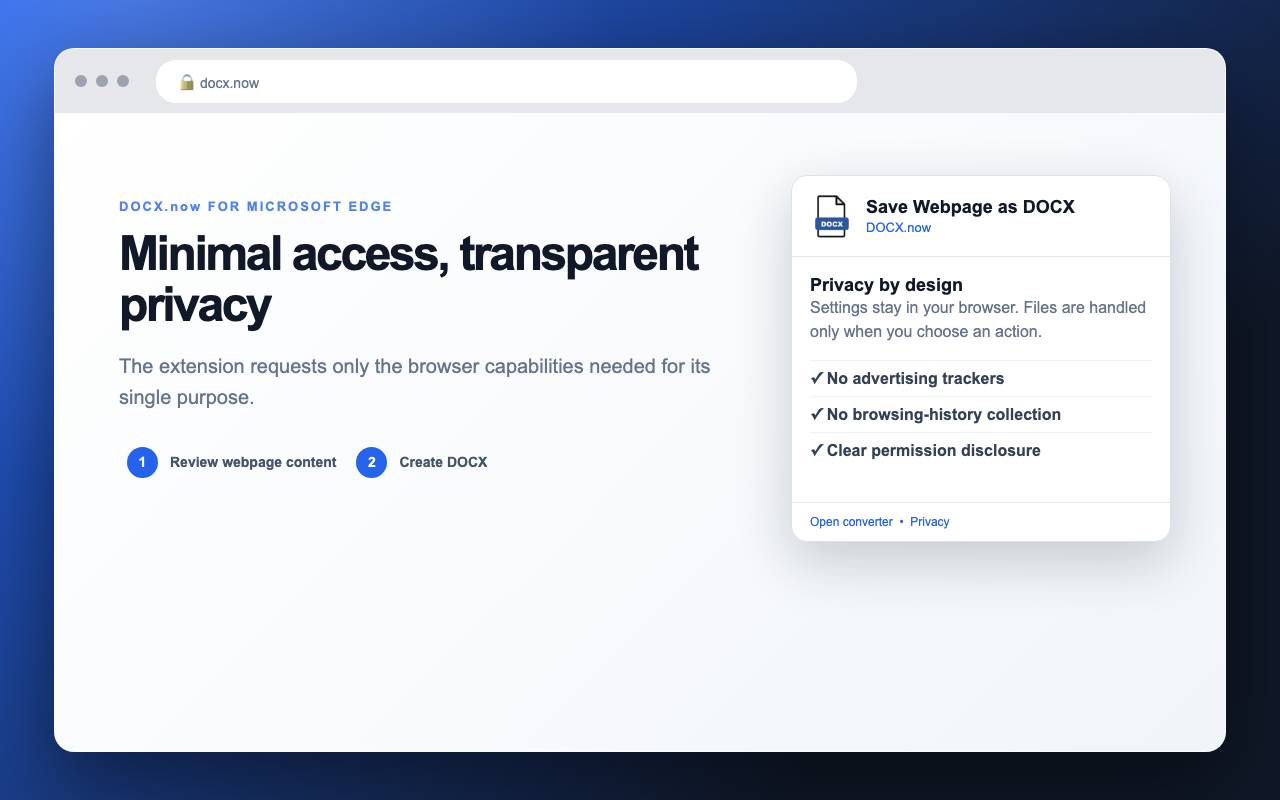
The extension only sends the file or page content you explicitly choose to the secure DOCX.now conversion API. Your API key is stored locally in Edge.
Read the privacy policy