
RTF
DOCX
Convert RTF to DOCX Online
Convert Rich Text document to DOCX file.
Convert DOC and DOCX documents to PDF, text, HTML, ODT, JPG and more. Preserve pages, paragraphs, tables, and images where supported.
Convert Word and OpenDocument files securely with no software installation.


Drop your DOCX files here
or click to select - then choose your output format
0 / 10 free conversions used today
docx.now is a focused online service for Word DOCX documents, reports, letters, manuscripts, tables, and forms. Its catalog contains 12 supported conversion routes; each route names the exact source and destination rather than implying unsupported conversions.
Choose a listed converter, upload the original, and download the completed result without installing desktop software. Batch processing, job status, account quotas, and secure downloads use the same tested workflow across the site.
Review pagination, font substitution, headings, tables, tracked changes, footnotes, fields, and embedded images after conversion. Conversion can only preserve features that the destination format can represent, so keep the original and inspect important output before publishing or archiving it.
Files are encrypted in transit and automatically removed under the service retention policy. Uploaded content is used to perform the requested conversion, not to train models.
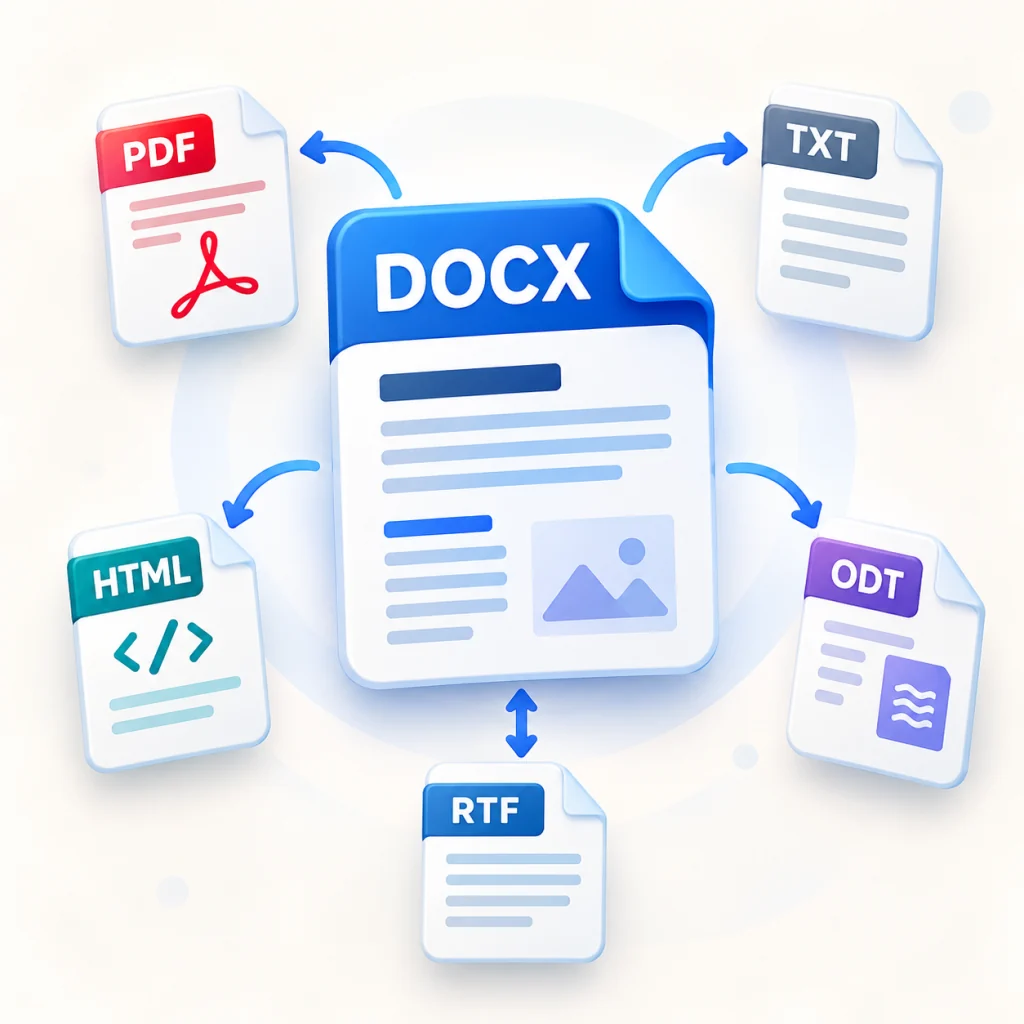
DOC is the legacy binary Microsoft Word format, while DOCX is the modern Office Open XML document format. They preserve text, styles, tables, images, headers, page layout, and other word-processing content.
Pick a target format for your DOCX file.
Pick a source format to create a DOCX file.

Most conversions complete in under 5 seconds, powered by distributed workers.
Files are processed over HTTPS and permanently deleted after 24 hours.
Fully responsive - Works on phones, tablets, and desktops with no app install.
 DOCX → PDF
 DOCX → TXT
 DOCX → HTML
 DOCX → ODT
 DOCX → JPG
 DOCX → RTF
 DOC → DOCX