
DOCX Formatting Problems — Lessons from Reddit
An evidence-led DOCX guide distilling genuine Reddit experiences, technical limits, privacy checks, and a reproducible workflow.
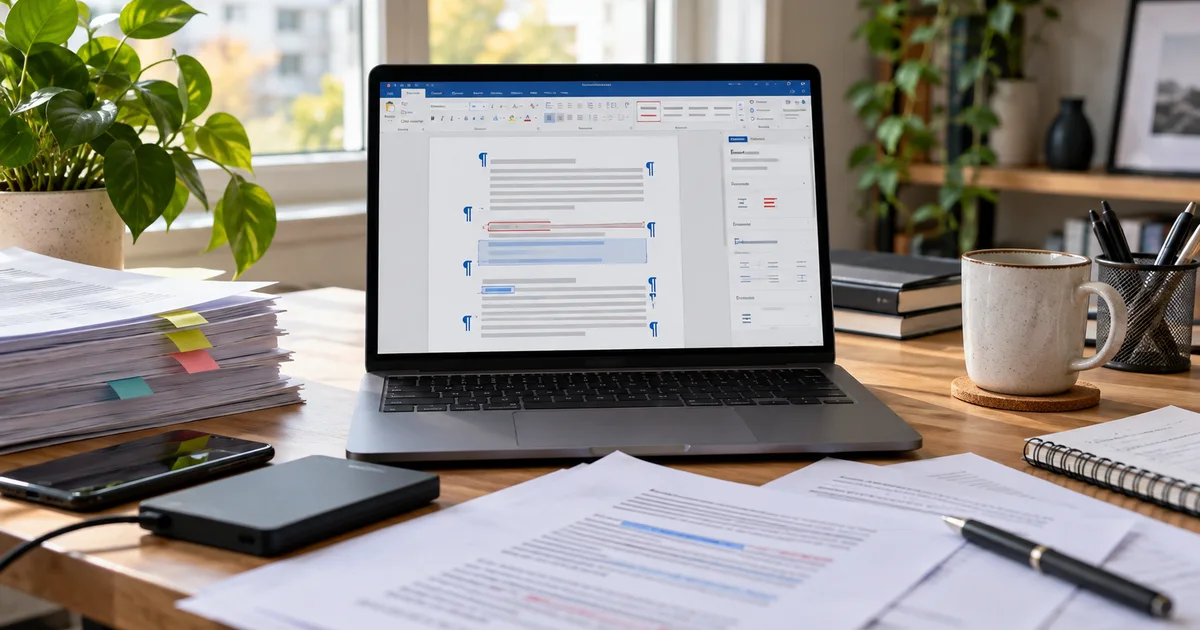
DOCX formatting failures are rarely random. A changed page count usually traces to font metrics, printer settings, section geometry or compatibility behavior; a shifted image often traces to anchors and text wrapping; broken numbering usually involves styles and list definitions. Calling all of this “formatting changed” hides the evidence needed to fix it.
Capture a reference before troubleshooting
Save an untouched copy and export a reference PDF from the authoring environment. Record the page count, Word version, operating system and fonts in use. The PDF is not an editable backup, but it preserves the intended appearance and gives every later test a stable target.
Turn on formatting marks and inspect section breaks, manual page breaks, paragraph keep settings and anchored objects. A blank page may be caused by an odd-page section break, not an extra paragraph. A heading stranded at the bottom may need “keep with next,” not another manual break.
Fonts explain many page-level differences
Word lays out text using the installed font’s measurements. A substitute with slightly wider glyphs can move a word to the next line, which moves every following line and sometimes the next page. Confirm the exact font files on the receiving computer. Embedding can help when the font license permits it, but some fonts allow display only or prohibit embedding.
For a critical handoff, test on a clean machine without the author’s font environment. If the document must remain editable, choose approved shared fonts or supply a controlled template. If only appearance matters, deliver a PDF alongside the DOCX.
Tables and floating objects need their own diagnosis
Tables can reflow when AutoFit, margins or default printer metrics change. Fix intended column widths and check row splitting. Images positioned “in line with text” behave like characters and travel more predictably; floating images depend on an anchor, wrapping mode and position relative to a page, margin or paragraph.
Do not repair a floating object by repeatedly dragging it until one screen looks right. Inspect the layout options and anchor, then test after adding text above it. A stable layout survives an edit.
Styles are safer than local formatting
Direct formatting copied from websites or older files can accumulate conflicting properties. Use the Styles pane to see whether headings, body paragraphs and lists share a coherent style. For stubborn paragraphs, compare with a clean paragraph of the intended style before clearing formatting. Avoid global cleanup on the only copy because it can erase deliberate emphasis and field formatting.
Numbered lists deserve special care. Restart and continue-numbering commands can create hidden list definitions that behave differently after merging documents. Reapply a named list style and verify cross-references rather than typing numbers manually.
Test the operation that matters
Open the copy in the destination application, edit a paragraph, add a table row, update fields and print or export. Google Docs and LibreOffice may display a simple document well while changing advanced fields, footnotes, tracked revisions or layout during save. A successful preview does not prove round-trip fidelity.
The Reddit discussions about Word conversion problems are most useful as a symptom catalogue. Match the symptom to a test instead of cycling through converters.
Formatting handoff checklist
- Preserve the original and a reference PDF.
- Confirm fonts, page size, margins and section breaks.
- Inspect image anchors and table AutoFit behavior.
- Resolve style and numbering problems on a copy.
- Accept or retain tracked changes intentionally.
- Test in the recipient’s application and version.
- Keep the DOCX if editability matters; keep the PDF if fixed appearance matters.
The dependable repair is the smallest change that addresses a demonstrated cause. Rebuilding a whole document or converting it through another format may hide one symptom while destroying fields, comments or structure that were still sound.